
Create a CooplyHQ Account
Get your homeschool co-op online in minutes by creating a CooplyHQ account.
Steps
-
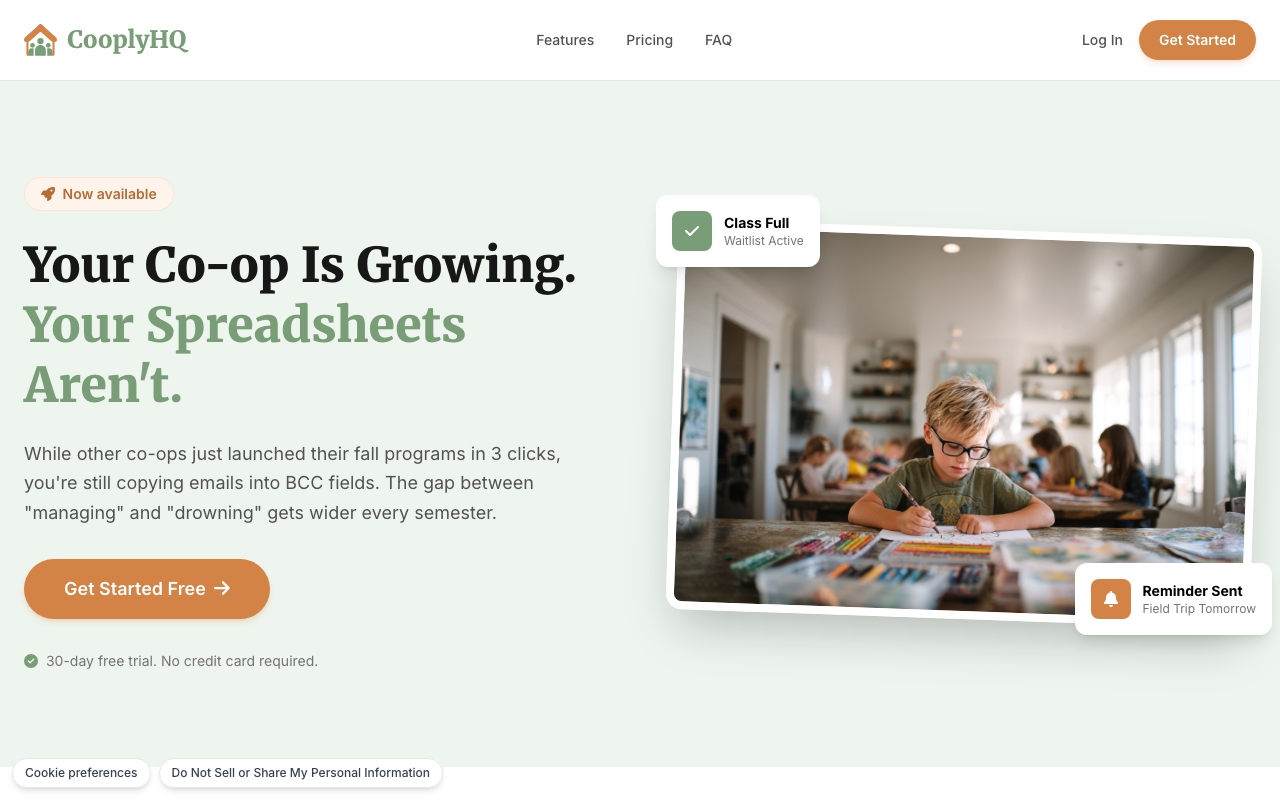
Go to cooplyhq.com and click Get Started in the top navigation or hero section.
-
Enter your email address and create a secure password.
-
Agree to the Terms of Service and confirm your email address by clicking the link sent to your inbox.
-
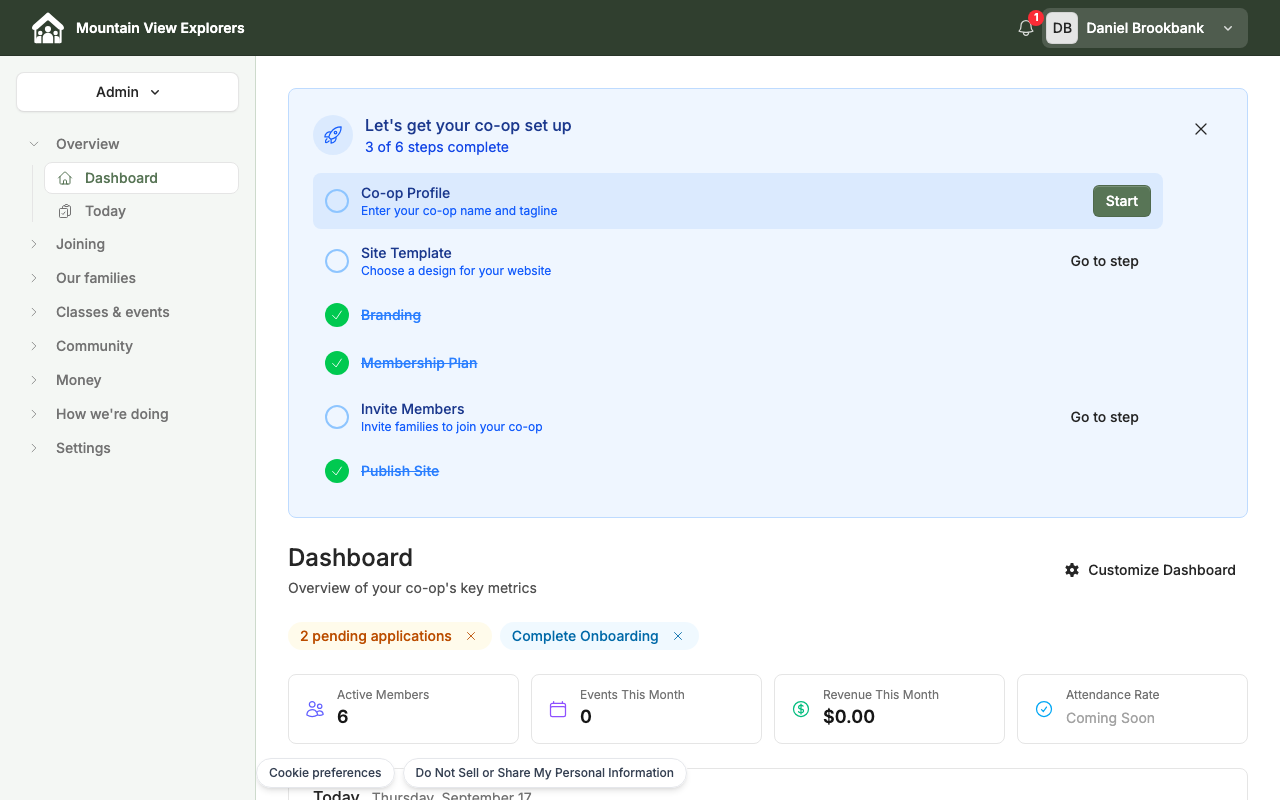
You're now logged in to your CooplyHQ dashboard, with a setup checklist to walk you through getting your co-op ready to go live.
What's next
Read Account Basics to navigate your dashboard and update your profile settings.