Account Basics — Dashboard and Settings
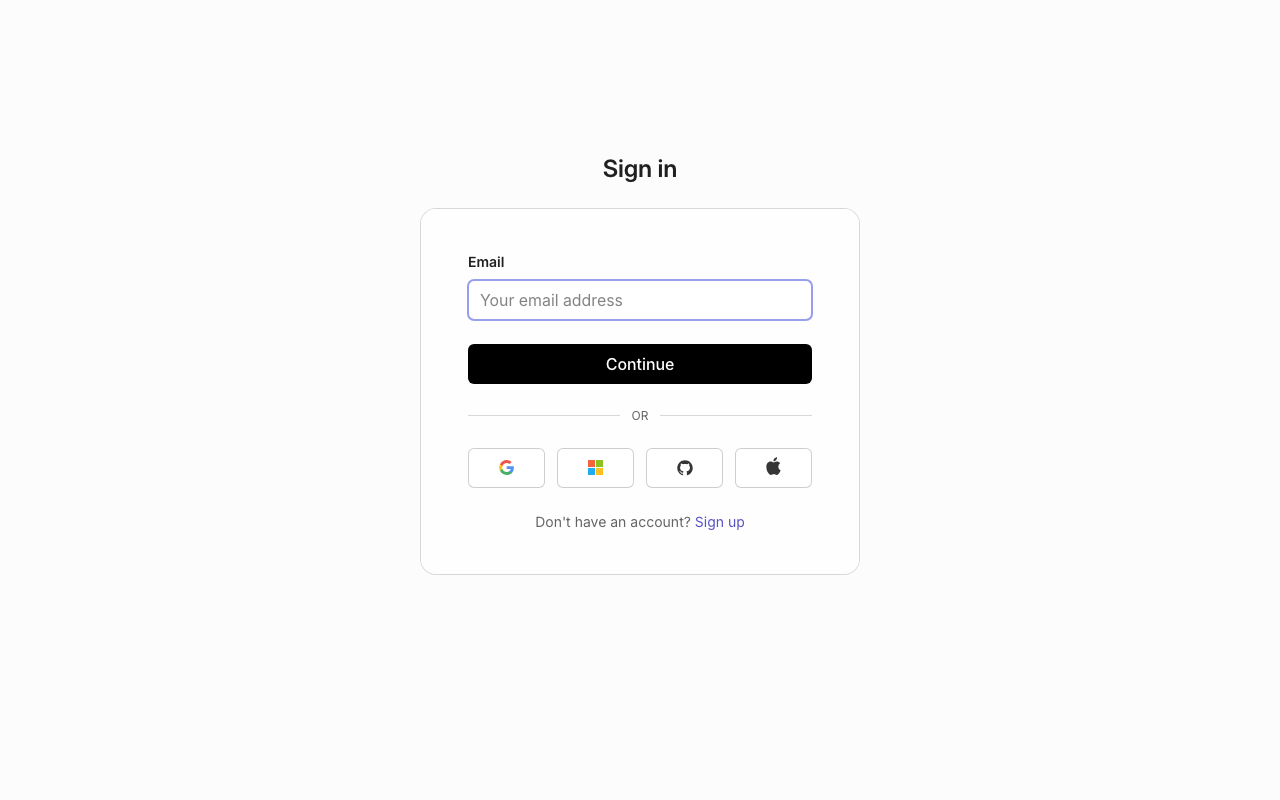
Once you're logged in, you'll spend most of your time in the dashboard. Here's what you need to know to get started.
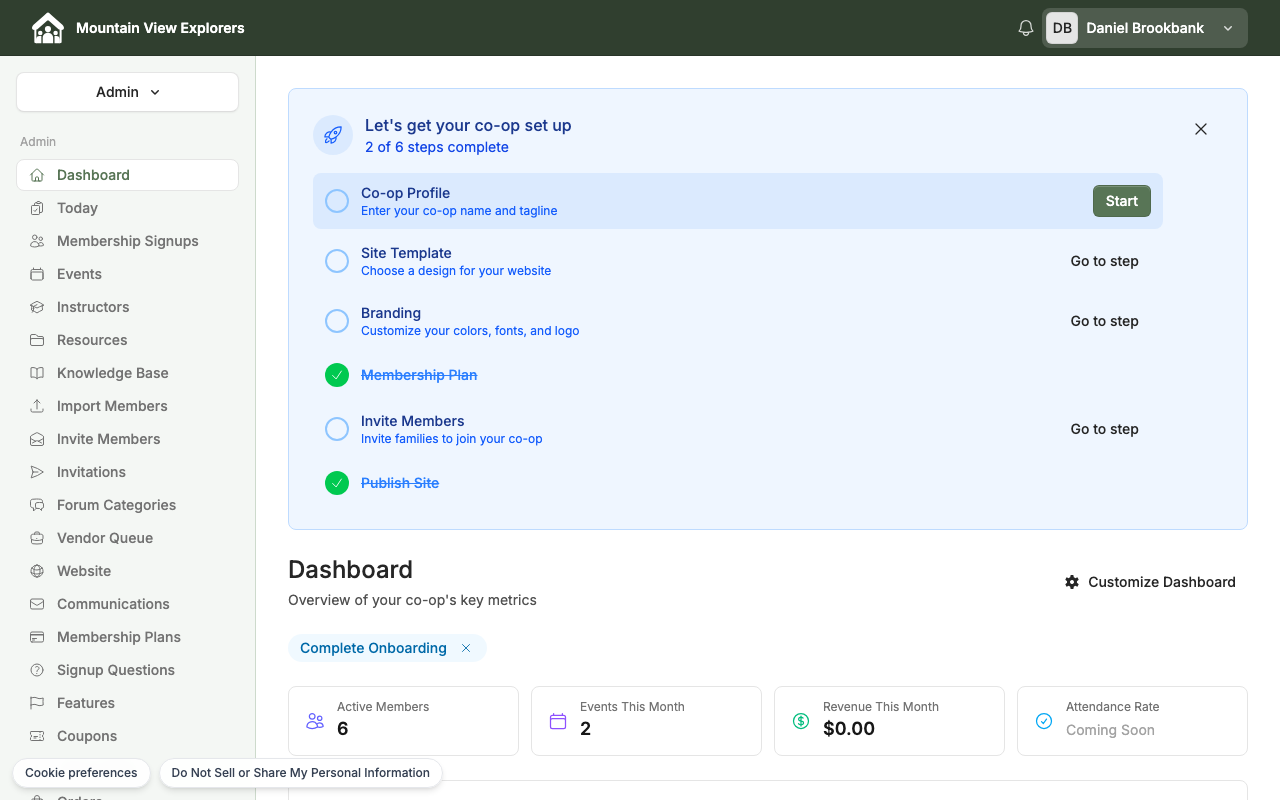
Your Dashboard
The dashboard is your home base for managing your co-op. From here, you can create events, manage members, and track schedules.
Manage Your Account Settings
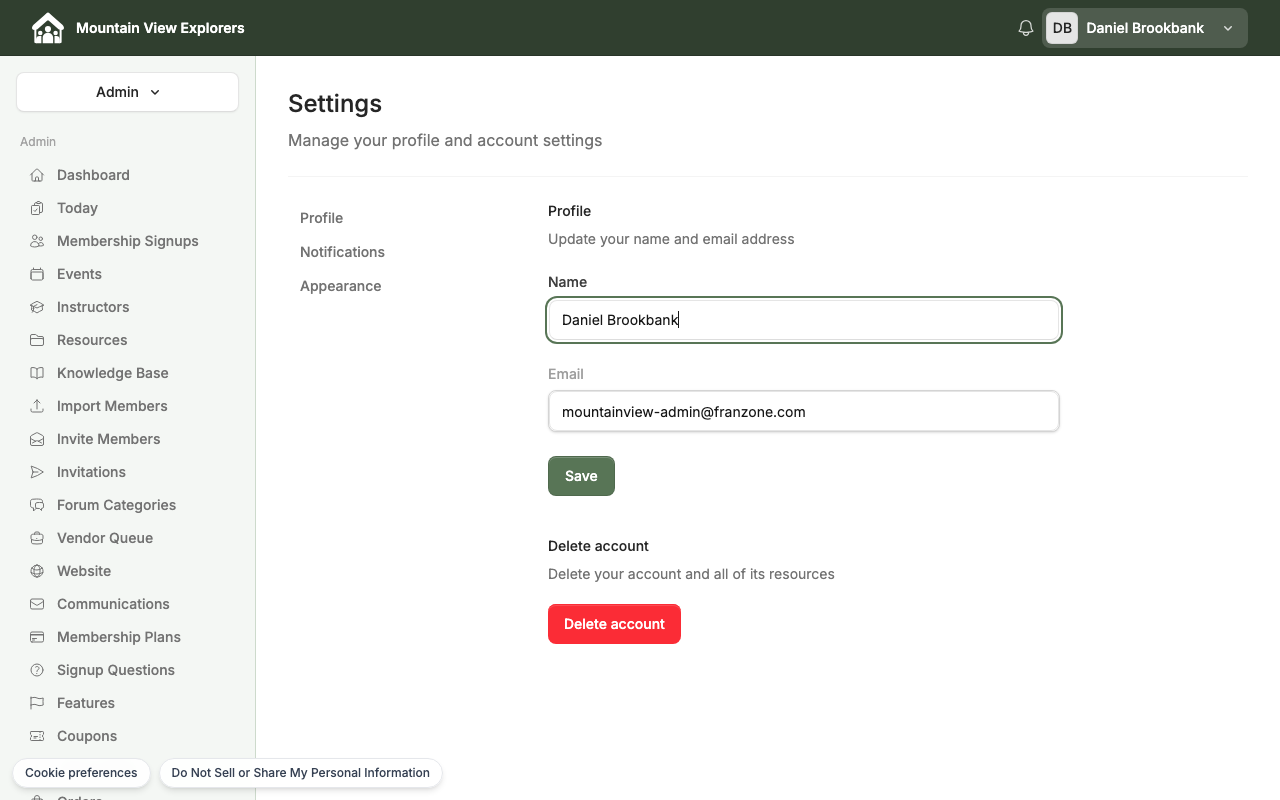
To update your profile information or change your password:
-
From the dashboard, click your profile icon or name in the top-right corner.
-
Select "Account Settings" from the dropdown menu.

-
Update your email address, name, or password as needed.
-
Click "Save Changes" to confirm.
What's next
Read Creating an Event to set up your first co-op gathering.